
Post Summary: Meta is limiting some Facebook Pages to two organic posts or comments containing external links per month, including links placed in comments, although the restrictions are not universal and enforcement appears inconsistent. Businesses should check their Page’s current limits, reserve direct links for important campaigns, and focus on useful native content while monitoring whether shared links remain visible and clickable after publishing.
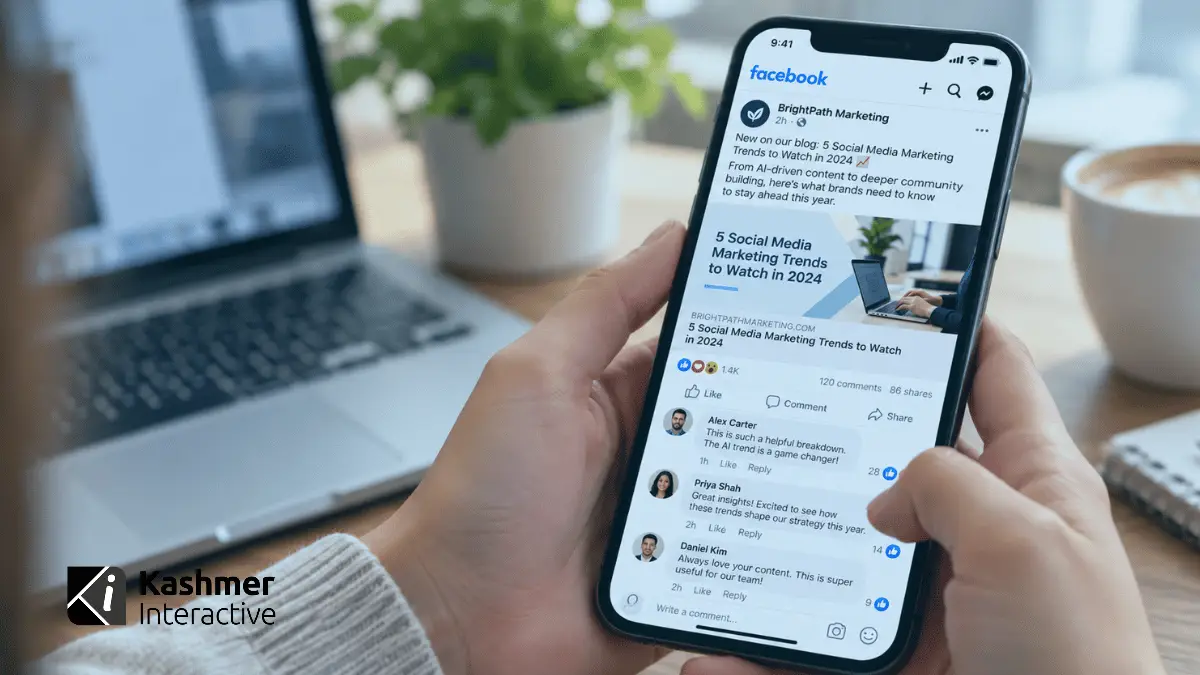
For years, sharing website content on Facebook was straightforward: publish a blog, copy its URL and add it to a Page post. Now some businesses are seeing a new warning: their Page can publish only two organic posts or comments containing external links each month without paying for a higher subscription tier. The restriction is real for affected Pages, but the story is more complicated than a platform-wide ban on links.
Meta started testing limits in December 2025 and expanded the rollout around the September 2026 launch of Meta One. Some Page managers have already hit the restriction, while others have not seen it at all. This guide explains what appears to be in force, which details are still evolving and how businesses can adjust without giving up on their websites.
Is Facebook Really Limiting Businesses to Two Links Per Month?
For Facebook Pages included in the current rollout, Meta’s Help Center guidance, as reported by multiple observers, allows links in up to two organic Page posts or comments per month without a qualifying paid plan. That is not the same as allowing only two URLs: a post containing multiple URLs generally uses one post allowance. The standard free allowance resets on the first day of each month, and unused allowances do not roll over.
This is not confirmed as a universal restriction for every business Page. Meta’s wording indicates that the limits may not apply to all Pages, and marketers managing multiple Pages report inconsistent account eligibility. Publisher Pages have been reported as exempt, but which Pages qualify as publishers is not fully transparent. Professional-mode profiles have also appeared in reporting; the Page-specific Help Center rules should not automatically be generalized to every personal account or Group.
The Big Update: “Link in the Comments” Can Count Too
Our earlier recommendation was to experiment with posting the website link in the first comment rather than the main caption. That recommendation needs an important qualification. Under the newer rules described for affected Pages, a Page’s organic comment containing an external link can consume the same limited allowance as a link in the post itself. Simply moving a URL to the first comment is therefore not a dependable way to avoid the limit.
One nuance matters: Meta’s reported exceptions include additional links in the comments of a post that already contains a link. This is different from putting the only URL in the first comment of an otherwise link-free post. Businesses should confirm the composer’s link count on their own Page rather than assuming either workflow is exempt.
What Counts, and What Appears Exempt?
Links typically included in the limit
- External website URLs in organic posts published by an affected Facebook Page.
- External website URLs in organic comments published by that Page, including an initial “link in comments” reply.
Exceptions described in reporting of Meta’s Help Center
- Links to Meta destinations, including Facebook, Instagram, WhatsApp and Threads.
- Links in paid advertisements.
- Qualifying Facebook affiliate-partnership links.
- Additional links in comments beneath a post that already includes a link.
Other destinations appear to remain available but should not be treated as formally guaranteed loopholes: website links in the Page’s profile/intro, its primary action button, links in Stories, links in Events or Groups, and individual Messenger conversations. Other approaches worth testing include editing cover-photo captions and using QR codes; these are practical tests, not documented blanket exemptions for every account. Test each option on your own Page before building a campaign around it.
Meta One: Paying Does Not Automatically Mean Unlimited Links
Meta One launched in September 2026 with subscription tiers for business accounts. Its link allowances, as reported from Meta Help Center guidance and subscription screens, are considerably more limited than some headlines imply:
| Plan | Reported starting US price / month | Link-bearing Page posts or comments |
| Free | Free | 2 |
| Essential | $14.99 | 2 |
| Advanced | $49.99 | 8 |
| Expert | About $149–$149.99 | 20 |
| Max | About $499–$499.99 | Unlimited |
Pricing is approximate, varies by country and subscription surface, and is generally quoted per Page or business asset. Confirm the offer displayed for the actual account. In particular, the entry-level Essential/standard Verified subscription does not, on these reported rules, raise the two-link allowance. Paying for a larger quota also does not guarantee additional organic reach.
What Happens When a Page Uses Its Two Links?
Page managers describe seeing a counter or a prompt advertising Meta One when preparing additional link posts. Reports vary: some say the composer blocks publishing or scheduling, while others say an outbound URL becomes unclickable. These reports do not establish a single, universal behavior across accounts or publishing tools.
Some businesses are also noticing posts that refer to an outside article, resource or announcement but appear to contain no working link. In some cases, a link may have been omitted by the author, removed during editing or affected by a publishing or display issue; this observation alone does not prove that Meta automatically removes links from published posts. For important campaigns, review the live post from a separate account or browser after publishing and check that the URL appears and opens correctly. If a link is missing, compare the original draft, publishing tool and final Page post before concluding that a policy restriction caused it.
Why Is Meta Doing This?
Meta has described the rollout as a test of whether additional link-publishing capacity adds value for subscribers. It also fits a broader shift toward on-platform content, community interaction and paid distribution. This also aligns with Meta’s Widely Viewed Content reporting: only 1.3% of US Facebook Feed views in Q1 2026 were on posts containing external links, compared with 9.8% in 2022. Those figures describe the share of views on link-containing posts, not the click-through rate or a rule that every post with a link is individually penalized.
It is reasonable to infer that Meta wants businesses to place more value on native activity and paid capabilities, but the precise long-term rollout, exemptions and ranking consequences have not been publicly settled.
A Practical Posting Strategy for Businesses
1. Verify whether your Page is affected
Open your Facebook Page or Meta Business Suite composer and prepare a draft with a legitimate external URL. Check for a remaining-links counter, restriction or subscription prompt. Do not publish a test post unnecessarily just to investigate. Note whether the problem occurs in the Page itself, Business Suite or a scheduling application, and repeat the check when planning future campaigns.
2. Budget your external-link posts intentionally
If the two-post limit applies, reserve those opportunities for actions that genuinely need a website click: a product release, event registration, time-sensitive offer, lead magnet or important announcement. Keep a simple monthly calendar listing the Page, campaign, link-bearing post date, destination and outcome. Do not assume unused posts carry forward.
3. Publish content that delivers value without a click
Instead of posting only “Read our new blog” and a URL, summarize the article’s useful ideas in a native text post, carousel, graphic, short video or Reel. Give followers something substantive without requiring them to leave the platform. When appropriate, end with a clear instruction about where to find the full resource.
4. Make your Page’s permanent links work harder
Check the website listed in your Page details and the main action button. Consider linking to a relevant page on your own website that organizes current guides, services, events and resources; update that page as campaigns change. This is often preferable to forcing followers through multiple unrelated third-party destinations. Make the CTA specific, such as “Visit our website using the Learn More button on our Page.” Keep in mind that a Feed viewer may need to navigate to your Page to see it.
5. Use conversation-based next steps carefully
For inquiries that benefit from a conversation, invite users to message the Page or ask a question in the comments. Business Suite inbox automations may help route requests, but messaging remains subject to Meta platform rules and consent/response windows. Do not mass-message people or assume a comment author has opted in to unlimited promotional DMs.
6. Test Stories, Events and Groups without betting everything on them
Story link stickers, Facebook Events and community Groups may still support useful routes to a website depending on format, eligibility and account settings. Other approaches to test include these alongside on-screen URLs and QR codes, but availability and counting behavior can change. Use them where the format genuinely matches the campaign and verify the experience on mobile.
7. Compare paid promotion with subscription costs
If most of your organic link posts already receive little distribution, paying roughly $50–$500 monthly just to publish more URLs may not produce a return. A small, properly targeted Meta Ads campaign can send visitors to a relevant landing page and is not subject to the reported organic-link allowance. Compare cost per qualified visit, lead and sale rather than treating link-post volume as a marketing objective.
8. Keep building channels you control
Continue publishing useful website content, maintaining search visibility and developing opt-in email lists. Facebook can introduce people to a business, but it should not be the only route to a website or the only way to reach an existing audience.
What We Know, What We Suspect, and What to Watch
Strongly supported as of Fall of 2026: affected Pages face a two-post-or-comment allowance for external links; first-comment links can count; paid Meta One tiers offer different allowances; and some exceptions exist for Meta destinations, ads, affiliate-partnership links and additional links in a link-bearing post’s comments.
Still up in the air: which Pages will be enrolled, the lasting status of publisher exemptions, exactly how different publishing interfaces enforce the cap, whether a link can disappear during publishing or display, and whether individual workarounds will remain available. Reports of scheduling failures and missing or unclickable links should be treated as observations to verify on each Page, not a guaranteed platform-wide outcome.
The Bottom Line for Businesses
Businesses should not stop using Facebook or abandon links to their websites. But they should stop assuming that any outbound URL can be published organically whenever they choose. Check your Page’s status, preserve scarce link posts for the most valuable destinations, create useful native content, optimize Page-level website links, and use paid media selectively when measurable website traffic is the goal. The winning response is a more intentional Facebook strategy, not a hunt for a temporary loophole.
Need Help Updating Your Facebook Strategy?
Kashmer Interactive helps businesses bring social media, content marketing, SEO and paid advertising together around measurable goals. If Meta’s changing publishing rules are disrupting your content calendar, we can help you adapt how you share content and drive qualified traffic to your website.